: The master bones and animations included in this package are built on the Mixamo bone structure. We have verified the retargeting process using Blender Auto-Rig Pro under the following environment:
- Source & Target: Mixamo Bone Structure
- Base Pose: T-Pose
Result: Since both structures are identical, Automatic Mapping is applied instantly without the need for manual mapping, and there are no Bone Twisting issues.
In short, retargeting between Mixamo rigs using Auto-Rig Pro is extremely fast and accurate.
With Auto-Rig Pro, you can perfectly retarget the foot sliding correction data. This is possible because the source Master Bone itself is already perfectly corrected for foot sliding and jittering during production.
To apply this high-quality data to your target character, you must enable the following options:
- Auto Scale: Check (Automatically adjusts size)
- Build Bones List: Set Hips to Set as Root
- Foot IK (Crucial): In the BuildBonesList, ensure both IK and Add IK Const are Checked for RightFoot and LeftFoot
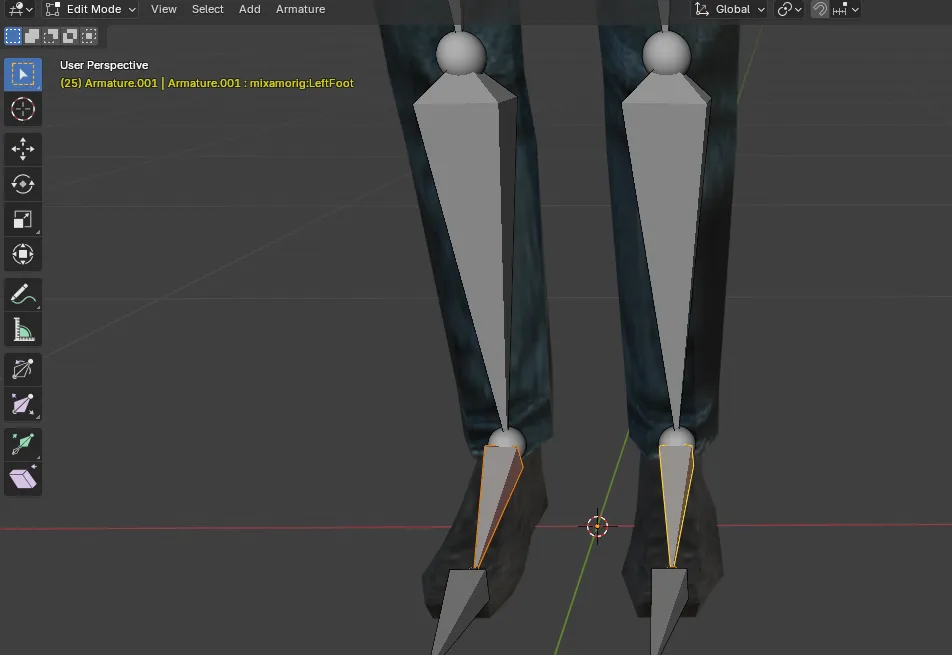
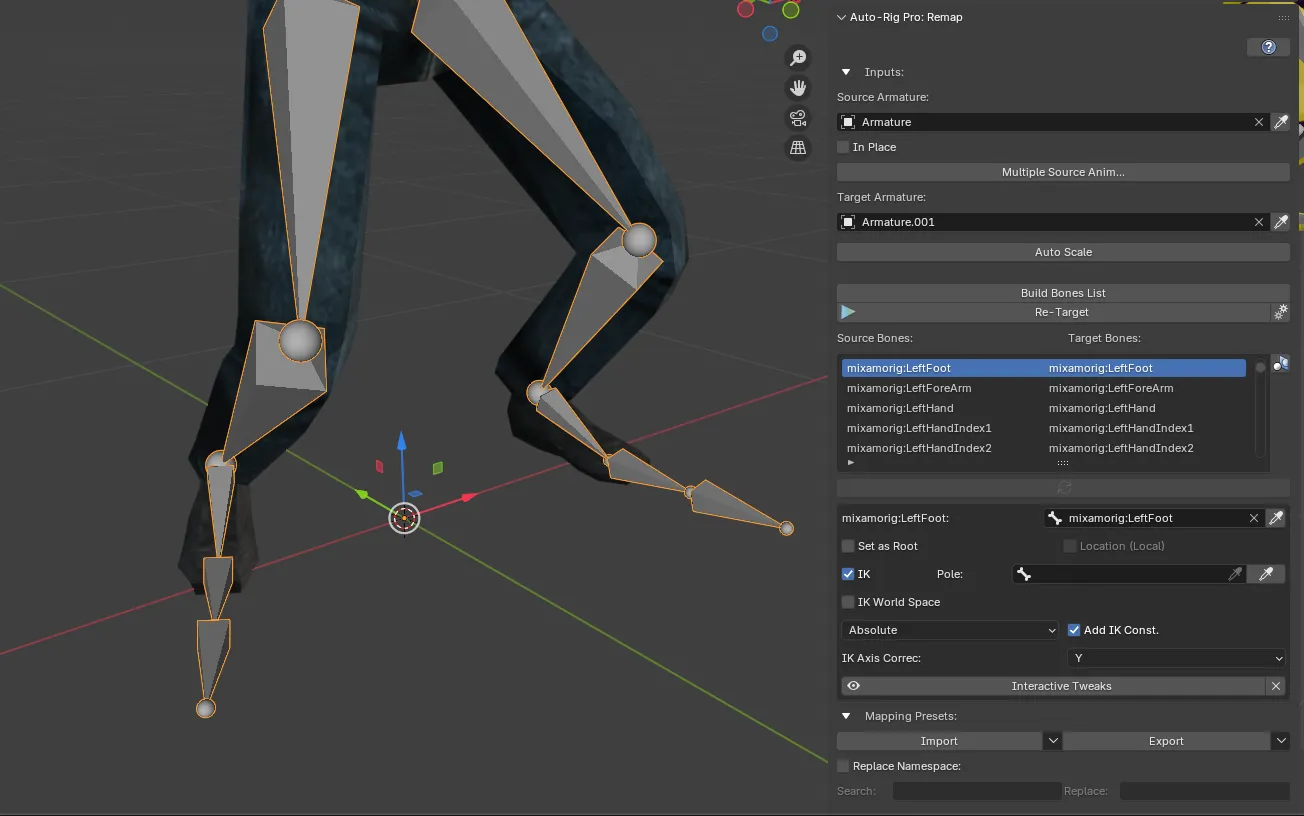
※ Exception: When the target is a 'Custom Bone'
If the character you are using does not have a Mixamo structure, auto-mapping may fail.
- Solution ① (Recommended): Upload your model to the Mixamo website and proceed with Auto-Rigging. (Standardization of specifications)
- Solution ②: Proceed with Manual Mapping in Auto-Rig Pro. (Be careful with the toe rotation axis)